

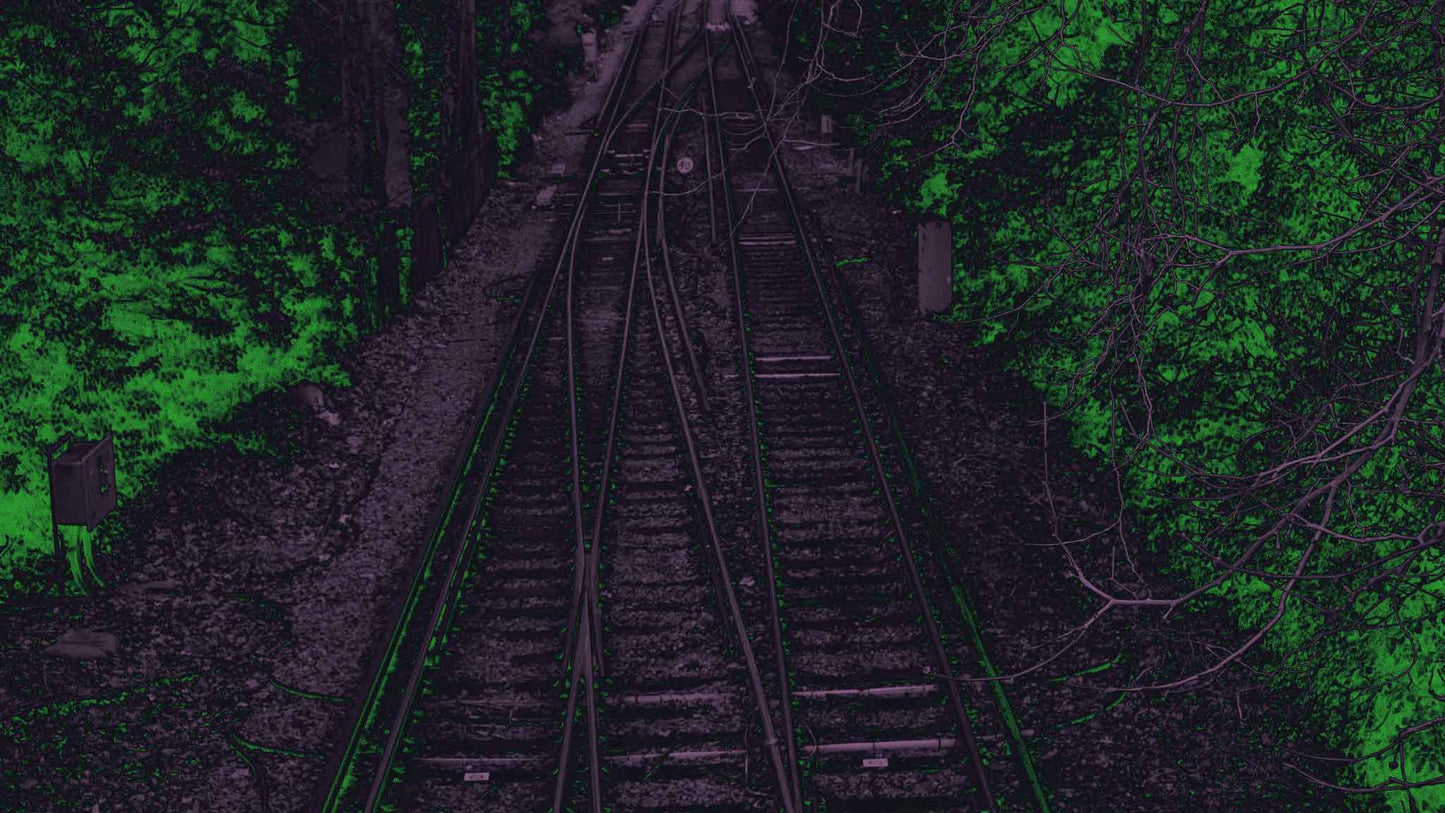
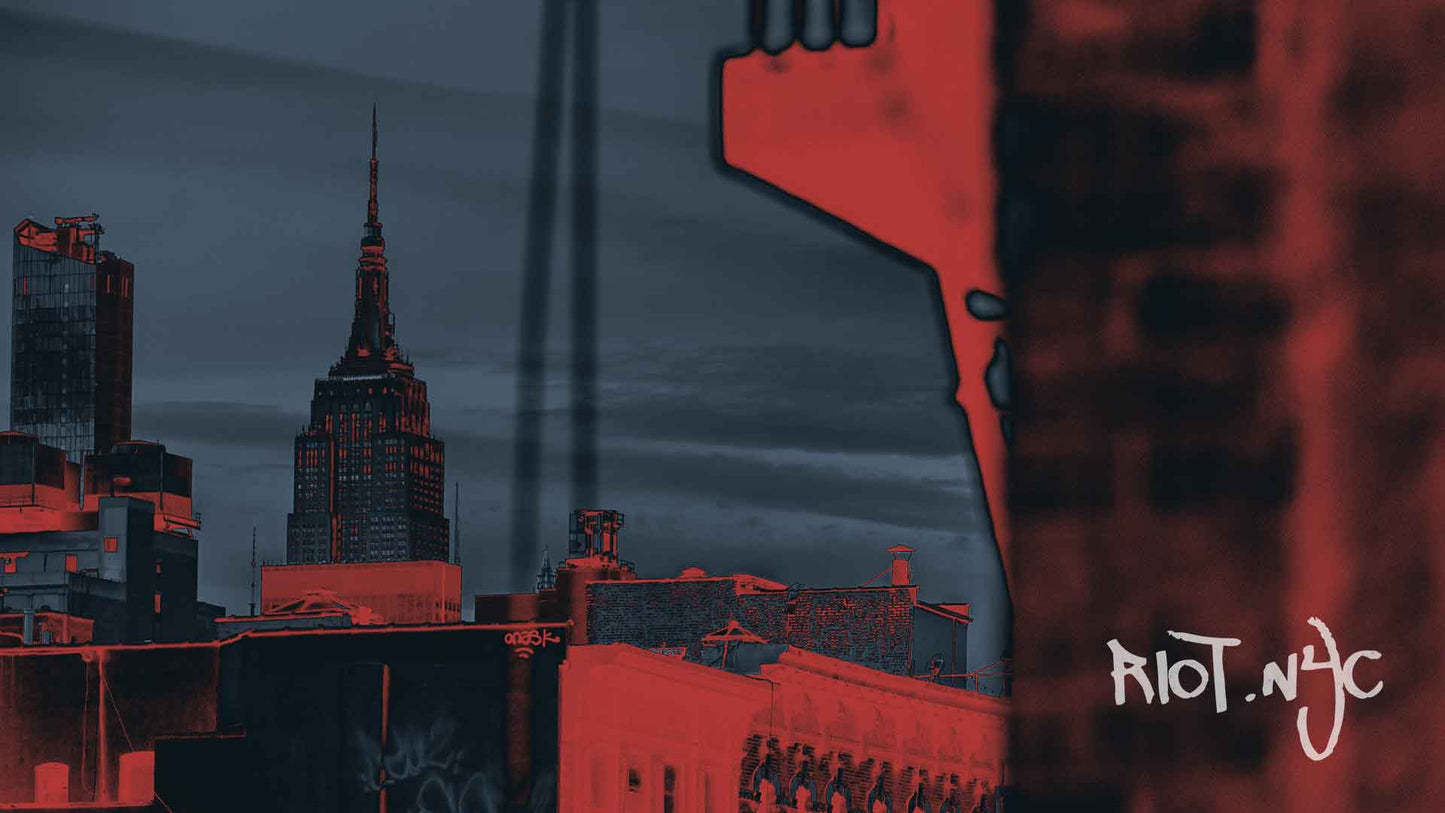
Prismatic Glitch Gradient Maps
- Digital download · Instant access
Commercial License
Commercial License
For solo creators and freelancers doing personal or client work. You can use the asset in:
- Social media content (personal or client)
- Up to 10,000 physical or digital end products
- Logos and branding
- Unlimited ads (digital or print)
- Websites
Not included: App development, team usage, or use across multiple companies or clients.
Extended Commercial License
Built for studios, agencies, and teams. Everything in Standard, plus:
- Multi-person use (across teams or departments)
- Unlimited client work
- Unlimited product sales
- App and web app usage
Need something custom or have questions? Hit us up. We keep it simple and human.
Couldn't load pickup availability
Prismatic Glitch Gradient Maps is a high-powered gradient map pack by secret-cache that vandalizes for maximum impact. It will push your work into new, vibrant extremes with the click of a button. Designed exclusively for Adobe Photoshop, this pack delivers immediate visual transformation.
This is more than color grading—it's visual hijacking. Each gradient map was selected for its ability to shift mood, bend palettes, and completely reroute your design aesthetic—fast. Whether you're designing posters, digital art, or album covers, Prismatic Glitch Gradient Maps allow you to vandalize your color flow.
Features
-
50 Hand-Picked Gradient Maps
Each one chosen for boldness, punch, and creative disruption. -
Photoshop-Only
Built specifically for Adobe Photoshop's gradient map function (.grd format). -
Fast Workflow
Apply, adjust, and blend in just a few clicks.
What You Get
- 50 high-quality gradient maps (.grd file)
How to Use the “Prismatic” Gradient Map Pack
Step 1: Install the Gradient Pack
Double-click the “Prismatic Gradients” file. This will load the gradient collection into Photoshop.
Step 2: Add a Gradient Map Layer
Open Photoshop and navigate to the Adjustments panel.
Click the Gradient Map icon to create a new adjustment layer.
Step 3: Apply a Gradient
Click on the gradient bar in the adjustment panel.
Locate the “Prismatic Gradients” folder and select any of the 50 included styles.
Different images respond better to different gradients—try them all.
Bonus Tip
Add noise, combine with other effects, or layer multiple gradients for glitch-heavy results.
Share

Digital Downloads, Explained
Frequently Asked Questions
How do I get my download and how fast?
Immediately.
As soon as checkout is complete, you’ll receive:
- A download link on the confirmation page
- A confirmation email with your files
No shipping. No delays. No mystery.
What if I can’t find my download link?
First, check your inbox (and spam folder).
Search for your order confirmation email.
Still missing? Send us your order number and we’ll resend it fast.
What file formats do you provide?
Each product clearly lists what’s included (for example: .OTF, .PNG, .PSD, etc.).
Make sure your software supports the format before purchasing. If you're unsure, check your program’s compatibility or ask us before buying.
Will this work with my design software?
Most of our digital products work with industry-standard tools like:
- Adobe Photoshop
- Illustrator
- InDesign
- Figma
- Procreate
- Canva
- Many others
Always check the product description for compatibility details. When in doubt, ask — we’d rather clarify than guess.
Can I use these for commercial projects?
Yes — as long as you select the appropriate license at checkout.
Our Commercial License covers solo creators and freelancers using the asset for personal work or individual client projects.
Our Extended Commercial License is built for studios, agencies, teams, multi-person access, unlimited client work, and app usage.
The full breakdown of what’s included (and what’s not) is listed in the License section above on this page.
If you’re unsure which tier applies to your situation, reach out before purchasing. We’d rather clarify it upfront than untangle it later.
+ [vandal_faq.sys]
intel/
What is vandal_?
A creative marketplace for the misfit class. We curate tools, gear, assets, fonts, streetwear and digital weapons for people rewriting the rules. No fluff. No permission. All signal.
What kind of stuff do you sell?
Display fonts. Glitch textures. Gradient payloads. Tools that hit. Hoodies, Zines, essays, assets, shirts that don’t ask. Everything is made by or curated by creators who choose to live outside the algorithm.
Is vandal_ royalty-free?
Yup. Buy it once. Use it in your work—client or personal. Don’t resell it or pretend you made it. That's the only rule.
How can I join the marketplace?
If you make dope, useful, weird, disruptive creative stuff—we want to see it. Drop us a line. We’re building this together.
Why does vandal_ feel different?
Because it is. This isn’t just commerce—it’s community, rebellion, and real creativity, all wrapped in downloadable, readable and wearable form.
-
Our Disposable World
A structural argument for commitment, accountability, and designing work that refuses to disappear.
Our Disposable World
A structural argument for commitment, accountability, and designing work that refuses to disappear.
-
Marking Space
A look at marking space, authorship, permanence, and why vandalism has always been about presence—not destruction.
Marking Space
A look at marking space, authorship, permanence, and why vandalism has always been about presence—not destruction.